













Unboxing a new iPhone is exciting, but the first few weeks with it are when you really figure out what’s missing. Maybe you’re tired of holding it up during video calls, juggling a separate wallet, or wiping fingerprints off the screen every hour. The iPhone 18 Pro and Pro Max are brilliant phones on their own, yet a few well-chosen accessories can make them far more practical in everyday life.
In this guide, we’ll walk through the best iPhone 18 accessories that are actually worth carrying, the kind of iPhone accessories that earn a permanent place in your routine instead of ending up in a drawer. Whether you commute daily, create content on the go, or simply want your phone to feel more comfortable and organized, you’ll find practical upgrades that fit the way you use it.
What Can Accessories Add to Your iPhone 18?

The iPhone 18 Pro and Pro Max can handle almost anything you throw at them, but they can’t stand up on a desk by themselves, carry your cards, or shield their own screens from scratches. That’s where accessories come in. The right ones fill the small gaps in your day, from propping your phone up for a video call to keeping your essentials in one place and making long sessions more comfortable.
Most of today’s iPhone accessories attach magnetically, which means you can snap on a wallet during the week, a tripod for a trip, and nothing at all for a night out. Starting with a MagSafe case that holds everything securely makes it easy to adapt your setup as your routine changes. If you want to learn more about how magnetic accessories work, make sure to check out this article: What Is a MagSafe Accessory | Complete Guide.
Top 8 Accessories for the iPhone 18
We picked accessories that solve real everyday problems rather than adding novelty. Each one works with MagSafe or pairs naturally with a MagSafe case, so they all fit together into one setup. From a protective base to wallets, tripods, a grip, a lanyard, and screen protection, these eight upgrades cover almost everything you’ll want from your new iPhone 18 Pro or Pro Max, whether you need a MagSafe stand, a wallet, or simply better protection.
1. Snap Case for iPhone 18 Series

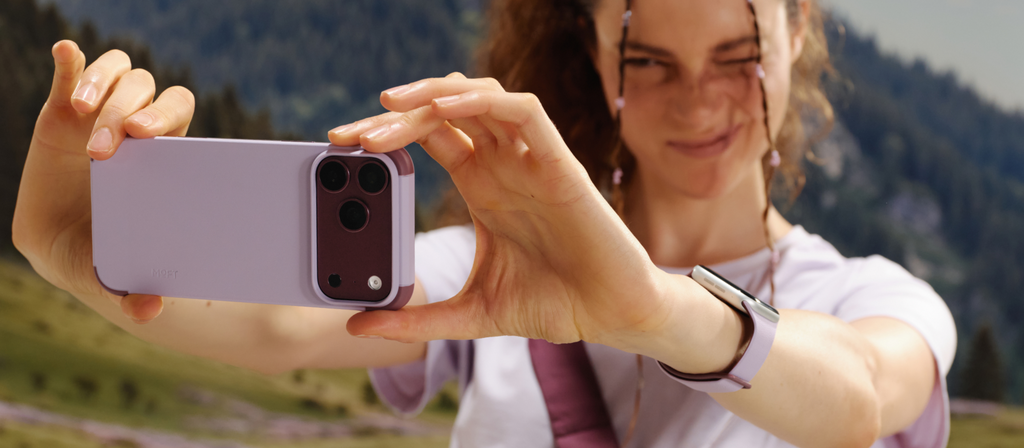
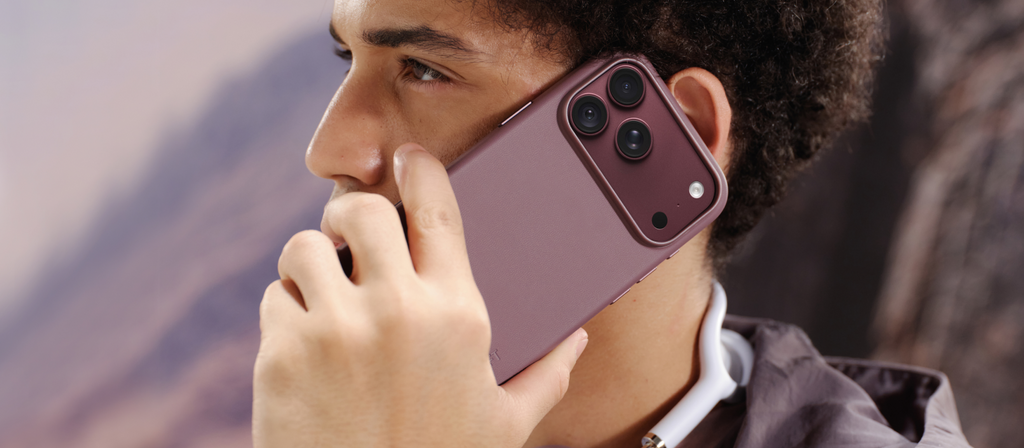
Discover the Snap Case for iPhone 18 Series, the foundation that every other accessory on this list snaps onto. Its built-in magnets hold MagSafe wallets, stands, and grips firmly in place, and it has been tested with MagSafe chargers and battery packs, with charging speed staying roughly the same. The soft-touch MOVAS™ vegan leather resists scratches and stains, while a camera frame 0.65mm above the lenses fits the iPhone 18’s taller camera module.
It’s light too, at 0.98 ounces on the Pro and 1.2 ounces on the Pro Max. A dedicated groove holds a lanyard anchor, which makes it an ideal partner for a crossbody lanyard. With reshaped metal buttons, a new textured lining, and 14 colors to choose from, it’s a case designed to work as part of a complete system.
2. Snap-on Phone Stand & Wallet AERA

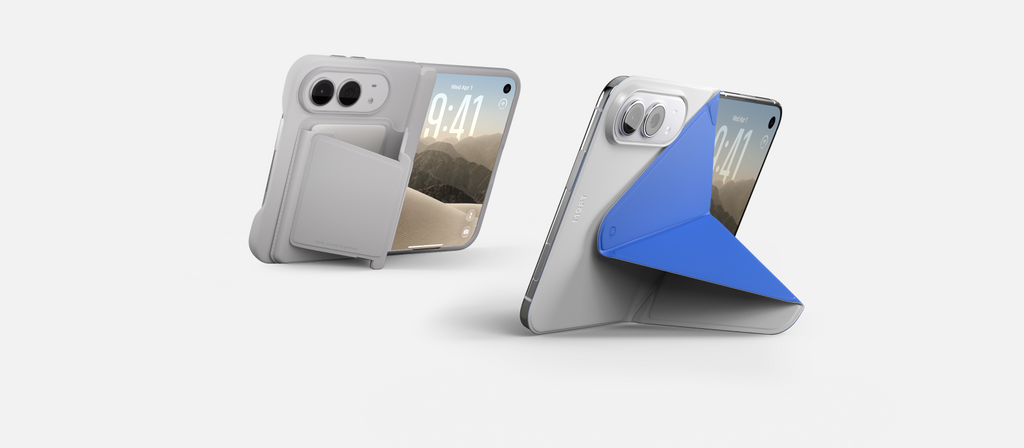
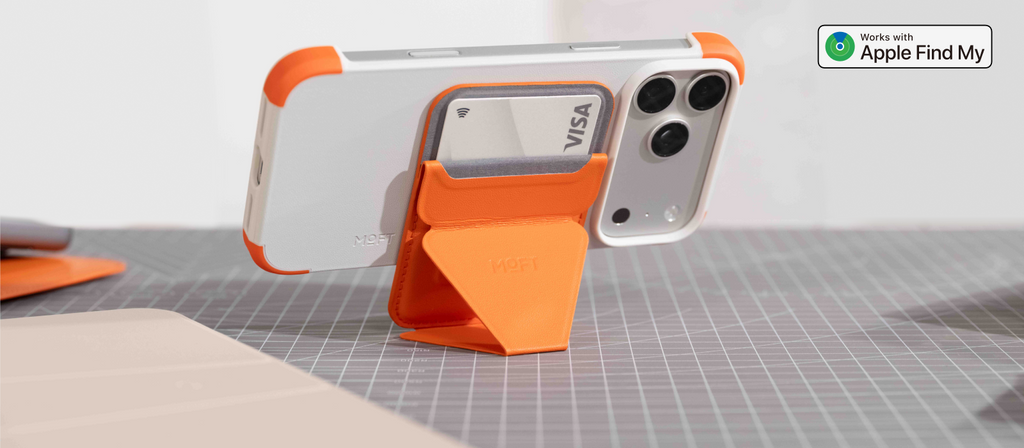
Meet the Snap-on Phone Stand & Wallet AERA, the latest version of one of MOFT’s best-known MagSafe accessories, redesigned to feel lighter and cleaner on your iPhone 18 Pro or Pro Max. At just 0.23 inches thick and 1.6 ounces, it holds three of your everyday cards and snaps on with a 16N magnetic pull, strong enough to stay put in every viewing position.
Fold it into portrait mode for FaceTime, landscape for movies, or floating mode for a comfortable reading angle at your desk. You can also snap it off and rotate it for a more relaxed video-watching position. Made from MOVAS™ vegan leather, it comes in 21 colors, which makes it easy to match your case or phone finish. Prefer tracking? A Find My version is also available with up to six months per charge.
3. Trackable Tripod Wallet

Introducing the Trackable Tripod Wallet, a 4-in-1 accessory that brings a wallet, a stand, a tripod, and Apple Find My together on the back of your iPhone 18. It holds two cards with Tap-to-Pay support, then unfolds into Floating, Stand, or Vlogging Mode whenever you want to watch, call, or film hands-free. The standout feature is a built-in Bluetooth shutter, which lets you snap photos or start recording from across the room without touching your phone.
If you ever leave it behind, the Find My app can show its location, play a sound, or send a left-behind alert. At 0.39 inches thick, it stays pocket-friendly, and one wireless charge on a MagSafe charger keeps it running for up to six months. It’s an ideal pick for travelers and creators who want one smart accessory instead of three.
4. Trackable Field Wallet

Get to know the Trackable Field Wallet, an envelope-style MagSafe wallet with Apple Find My for anyone who carries more than a couple of cards. Its three compartments hold up to eight cards, or four to six with small extras like coins, a SIM card, or a SIM ejector tool. A pull tab brings your daily cards up in seconds, and a hidden pocket keeps cash out of sight.
Since Find My support comes standard, you can check its location, play a sound, or receive a left-behind alert if it slips out of your bag. One wireless charge keeps tracking active for up to six months. Choose the version with a stand for hands-free viewing on your iPhone 18, or go without for a slimmer profile. It comes in Misty Cove, Terracotta, Jet Black, and Peony.
5. MOFT O Phone Stand & Grip

Meet the MOFT O Phone Stand & Grip, a round magnetic accessory that makes your iPhone 18 easier to hold, prop up, and play with. Its layered structure and 90° twist-lock mechanism let it rotate a full 360°, giving you a secure grip for one-handed scrolling and photos, plus a satisfying fidget when your hands need something to do. When it’s time to watch or call hands-free, pivot it into a stand with two preset support angles, then switch between portrait and landscape with a quick twist.
High-grade N52SH magnets help it attach quickly and stay put on MagSafe iPhones and cases. It comes in ten colors, from Misty Cove to Jet Black, which makes it easy to pair with your case. For the most stable wireless charging, simply remove it before charging.
6. Drift Lanyard Bag

Introducing the Drift Lanyard Bag, a phone lanyard that transforms into a small bag whenever you need to carry a little more. It attaches through a slim anchor placed between your iPhone 18 and its case, letting your phone hang securely across your body while your hands stay free. The adjustable strap stretches from about 37 to 63 inches, and a detachable round cord with reflective details doubles as a wrist strap or bag charm.
A zippered pocket holds small essentials like earbuds, and a foldable bag tucks inside, ready to carry your phone, cards, glasses, or tissues on busy days. Made from lightweight nylon, the lanyard weighs just 2.2 ounces and is machine washable. It’s a natural match for the iPhone 18 Snap Case, which has a dedicated groove for the anchor.
7. Adaptive Glass HD+ Screen Protector

The Adaptive Glass HD + Screen Protector is made to keep your iPhone 18 Pro or Pro Max display as clear as the day you unboxed it. Its 9H strengthened glass guards against everyday scratches, while an anti-reflective coating cuts reflections to 0.5% or less, making the screen easier to read outdoors. An anti-fingerprint layer helps resist smudges, and an anti-rainbow adhesive prevents rainbow patterns when you look at your screen through polarized sunglasses.
With peak light transmittance of 96%, colors stay true for photo editing and streaming, and touch response remains smooth and accurate. Installation is wet-free and guided by an alignment frame, and the box includes a squeegee and a full cleaning kit for a bubble-free finish. Prefer more privacy? A version with a 26° privacy angle is also available.
8. Snap Phone Tripod Stand AERA

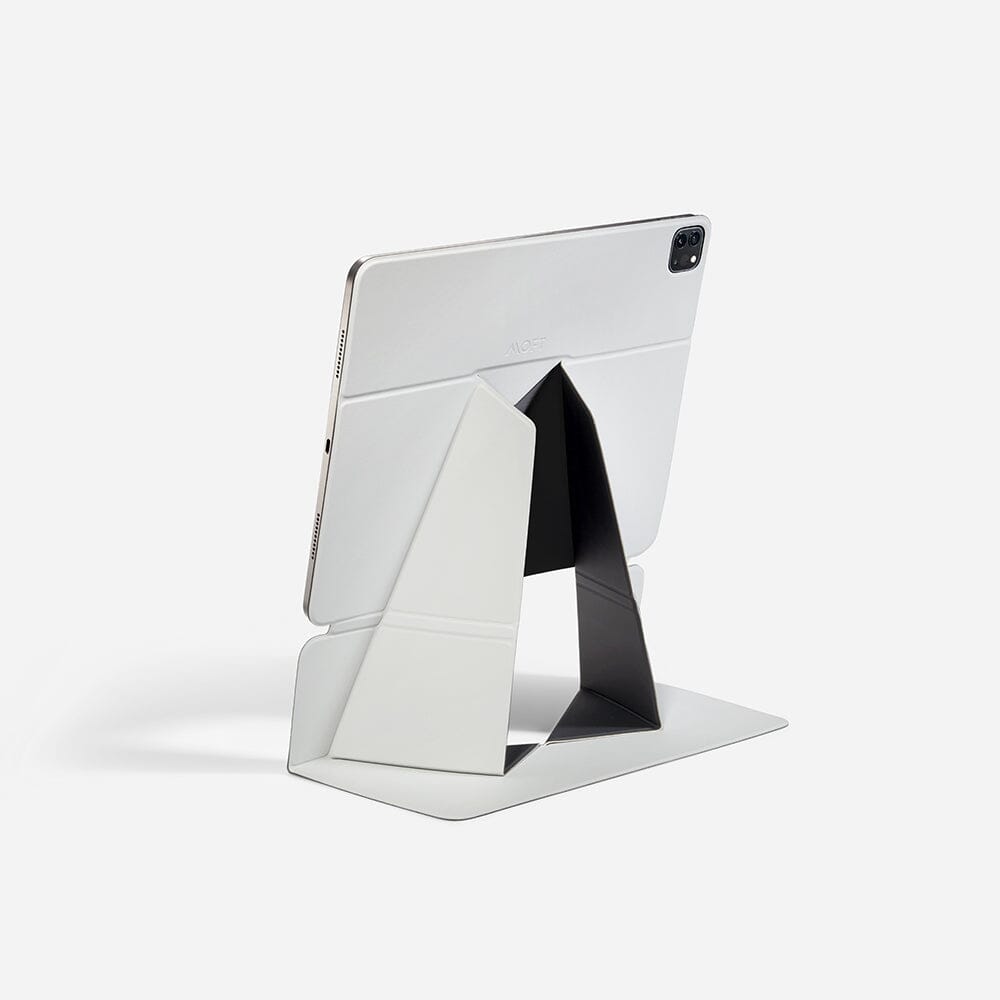
Say hello to the Snap Phone Tripod Stand AERA, a slim, origami-inspired tripod that folds flat against your iPhone 18 until you need it. At just 0.27 inches thick and 2.7 ounces, it barely changes your phone’s profile, yet it opens into three useful modes. Floating Mode offers angles for video calls, browsing, and macro photography, Stand Mode adjusts anywhere from 30° to 90°, and Vlogging Mode switches between vertical and horizontal shooting without detaching anything.
A triangular base keeps it steady, a manganese steel hinge is rated for around 5,000 cycles, and it has passed lab tests holding up to 11 ounces. It works with MagSafe iPhones and cases, and a metal ring is included for other phones. Choose from 19 colors to match your case or your favorite accessories.
Three Everyday Setups Worth Copying

The best part of a MagSafe system is that you don’t need every accessory at once. Start with the problem you run into most often, then build around it. Here are three simple setups based on common routines, each combining a few of the accessories above into a kit that feels natural to carry every day.
The Daily Commuter
If your day revolves around trains, coffee lines, and tap-to-pay, keep things slim. Pair the Snap Case with the Snap-on Phone Stand & Wallet AERA, and you’ll have your cards, a quick stand for watching something on the ride home, and solid protection in one compact package. Add the Adaptive Glass HD+ Screen Protector to keep the display readable in bright morning light, and your MagSafe wallet setup is complete.
The Content Creator
For anyone who films, vlogs, or takes plenty of photos, stability is everything. The Snap Phone Tripod Stand AERA turns your iPhone 18 into a pocket-sized camera rig, while the Trackable Tripod Wallet adds a Bluetooth shutter for remote shots. Pair either one with the MOFT O for a secure grip while shooting handheld, and you’ll have a compact phone tripod setup that covers almost every angle. If you want to learn more about tripods, make sure to check out this article: Best Phone Tripod: Top Picks for Everyday Use.
The Weekend Traveler
Travel days call for a little more carrying capacity and a lot less fumbling. The Trackable Field Wallet holds your cards, cash, and a spare SIM, and Find My helps you track it down if it goes missing. The Drift Lanyard Bag keeps your phone across your body during busy airport runs and city walks, then turns into a small bag when you need to carry more. It’s an easy way to add your iPhone to your list of travel gadgets.
How to Tell a Worthwhile Accessory From Pocket Clutter
The simplest test is whether an accessory solves something you deal with every day. A stand you use for daily video calls earns its place among your phone accessories, while a gadget you reach for once a month usually doesn’t. Multi-purpose designs tend to offer the most value, since a wallet that also works as a stand or a tripod replaces several separate items and keeps your pockets lighter.
Build quality matters just as much. Look for strong, well-aligned magnets, durable hinges, and materials that resist scratches and fading, because these are the details that decide whether an accessory still feels good after a year. Finally, think about how pieces work together. Accessories designed as part of one MagSafe accessories system are easier to mix, match, and swap as your routine changes, and they make your whole setup feel more cohesive.
Wrap Up!
The iPhone 18 Pro and Pro Max are capable phones out of the box, but the right accessories shape how they fit into your life. A good case protects your investment, a wallet or stand removes small daily frustrations, and a grip, lanyard, or screen protector adds comfort and peace of mind. Together, they turn a great phone into one that feels made for your routine.
There’s no need to buy everything at once. Start with the accessory that solves your biggest everyday annoyance, then add pieces as your needs change. With MagSafe at the center, your setup can grow and adapt over time, giving you a phone that’s easier to carry, easier to use, and better suited to whatever your day throws at it.