













Few gadgets have changed everyday habits as quietly as the item tracker. A small tag on your keys or tucked into a bag can save you from that sinking feeling of patting down empty pockets. Apple’s AirTag made the idea mainstream, and the updated model brought a longer finding range and a louder speaker, but it’s far from the only way to keep tabs on your things.
In this guide, we’ll look at the best AirTag alternatives and help you figure out which kind of tracker actually suits the way you live. Whether you use an Android phone, want something slimmer for your wallet, or simply prefer fewer separate gadgets in your pockets, there’s a smarter option out there that keeps your essentials easy to find.
What Is an AirTag?

An AirTag is Apple’s small, coin-shaped item tracker, designed to help you find things like keys, bags, and luggage through the Find My app. It first launched in 2021 and connects to your iPhone over Bluetooth. When the AirTag is out of range, nearby Apple devices detect its signal and securely send its location back to you, without the people carrying those devices ever knowing.
When you’re close by, you can play a sound through its built-in speaker or use Precision Finding, which uses Ultra Wideband to point you toward it with on-screen directions. The AirTag runs on a replaceable coin battery that typically lasts around a year, and the updated model added a longer finding range and a louder speaker. If you want to learn more, make sure to check out this article: What Is an AirTag? Everything You Need to Know.
Where the AirTag Falls Short

The AirTag does its main job well, but its design comes with a few trade-offs that send many people looking elsewhere. It only works with iPhone and iPad, which leaves Android users and mixed households out. It also has no built-in hole or loop, so you need to buy a separate holder before you can attach it to your keys or bag, adding cost and bulk to a supposedly simple gadget.
Shape is the other sticking point. The AirTag’s round, coin-like body is great on a keychain but awkward in a slim wallet, where it creates a noticeable bump. And because it’s a standalone tag, it’s one more thing to carry, attach, and remember. For people trying to simplify their everyday carry, a tracker that hides inside something they already use often makes far more sense than adding another accessory to the pile.
Four Networks, Four Ways to Find Your Stuff

Every Bluetooth tracker relies on a network of nearby devices to report its location when it’s out of your phone’s range. The tag itself has no GPS. Instead, phones passing by detect its signal and securely relay its position back to you. That means the network behind a tracker matters just as much as the tracker, and it’s the first thing to check before you buy one.
Apple Find My
Apple’s Find My network uses hundreds of millions of iPhones, iPads, and Macs around the world, which makes it the largest and most reliable option for iPhone owners. Third-party trackers certified for Find My appear in the same app as your AirTags, with sound alerts, lost mode, and left-behind notifications. If you want to learn more about how it works, make sure to check out this article: How Does Find My Work | Beginner’s Guide.
Google Find Hub
Google’s Find Hub is the Android equivalent, using nearby Android phones to locate compatible tags. It has grown quickly and now supports a wide range of trackers, making it the natural choice for Android users building out their Android accessories. Some tags can even switch between Apple and Google networks, although usually not at the same time, which is handy if your household mixes iPhones and Android phones and you want one type of tracker for everyone.
Samsung and Independent Networks
Samsung runs its own network through SmartThings Find, which works only with Galaxy phones but offers precise directional finding on compatible models. Some tracker brands also operate their own independent networks that work across iPhone and Android. These networks are usually smaller than Apple’s or Google’s, which means fewer devices nearby to report a lost item, especially outside big cities, so coverage can vary a lot by location.
Not Every Tracker Has to Look Like a Tag

Once you’ve chosen a network, the next decision is shape. Trackers now come in many forms, each suited to different items. Matching the tracker to the thing you’re most likely to lose is the easiest way to get real value from it, because a tag that doesn’t fit naturally into your routine tends to end up in a drawer instead of on your keys or in your bag.
Keychain and Clip Tags
These are the closest thing to a classic AirTag, but many come with a built-in loop or clip, so there’s no need for a separate holder. They’re ideal for keys, backpacks, luggage, and pet collars. They also pair naturally with other travel gadgets on longer trips. Look for models with a loud speaker and decent water resistance, since keys and bags spend plenty of time in pockets, car seats, and the occasional rain shower.
Card-Shaped Trackers
Card trackers are about the size and thickness of a credit card, which makes them a much better fit for wallets and passport holders than a round tag. Many are rechargeable, while others have a sealed battery that lasts a few years before the card needs replacing. They slip into a card slot without a bump, though they do take up one of the spaces you’d normally use for a card in your phone wallet.
Accessories With Tracking Built In
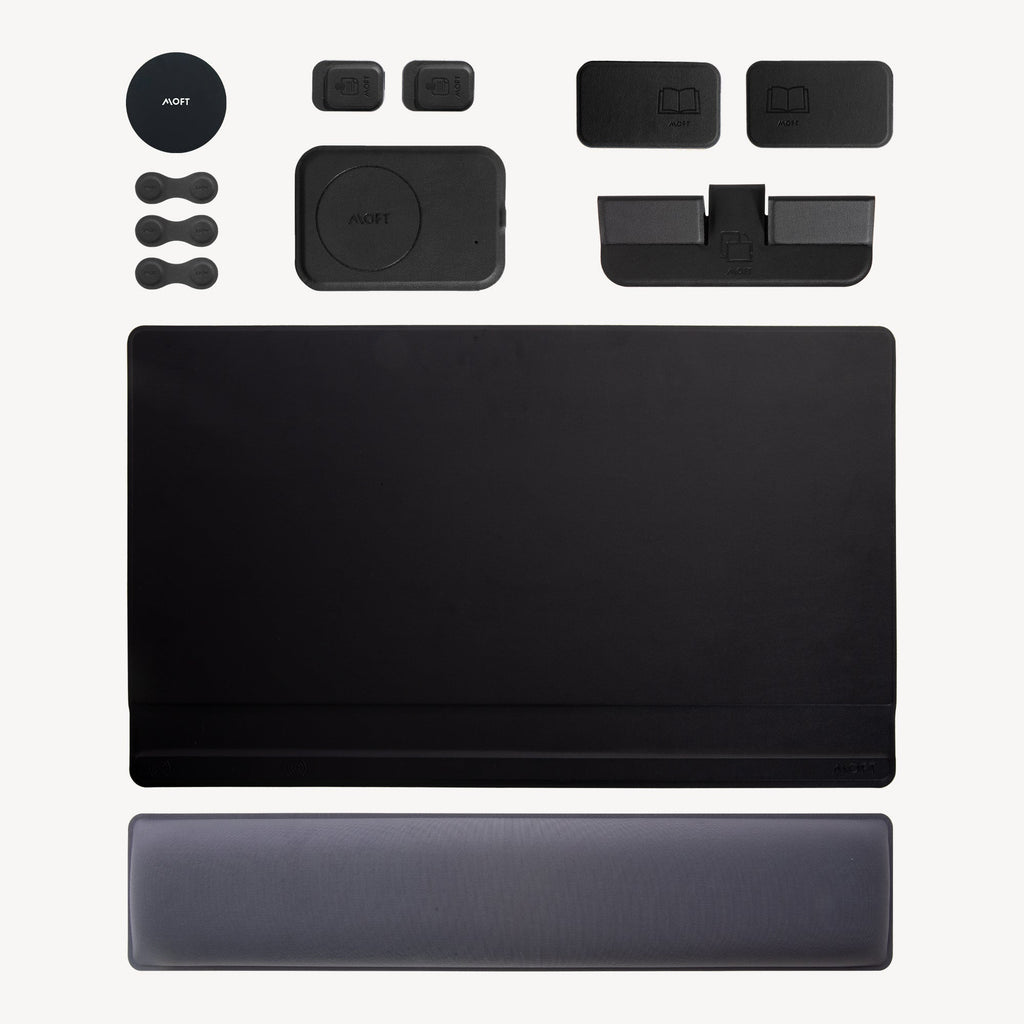
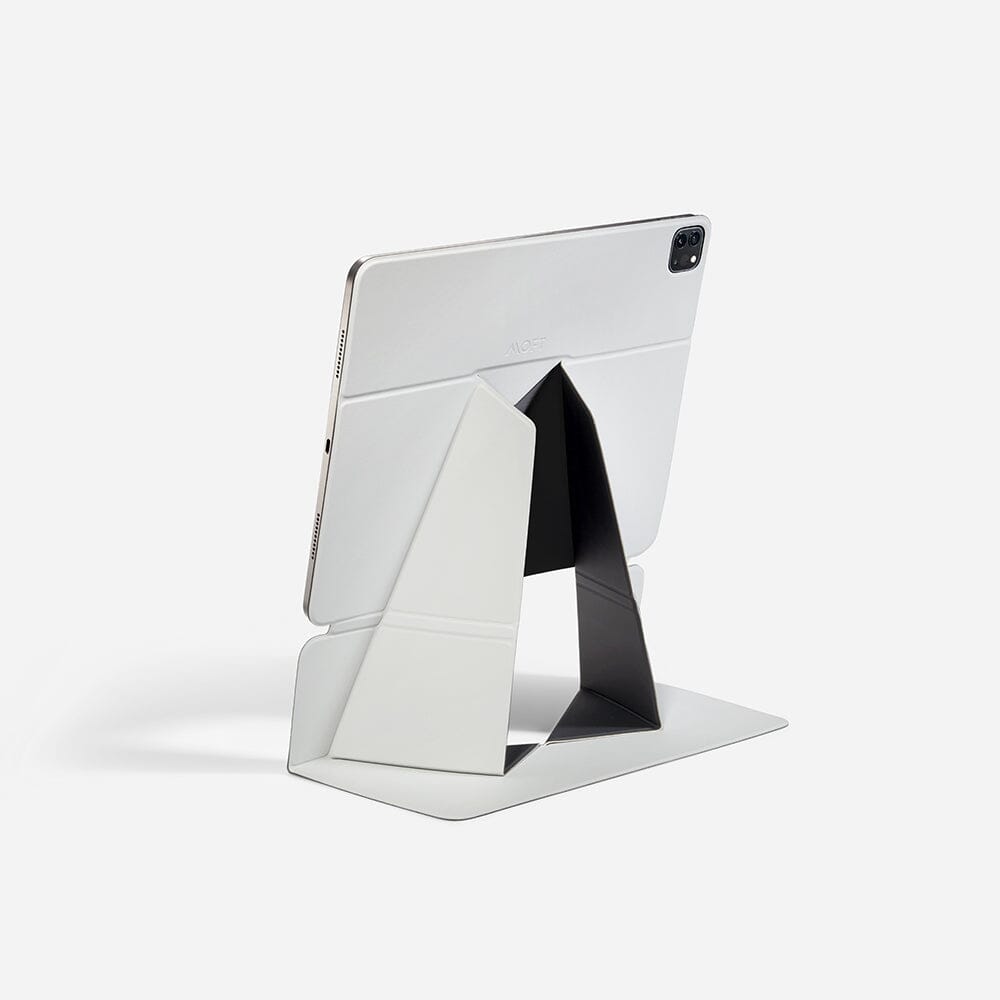
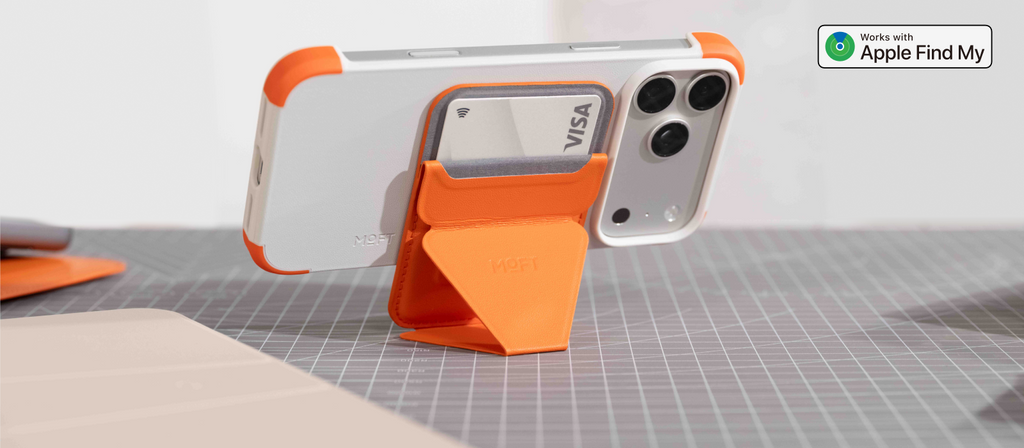
The newest and most convenient option skips the separate tracker entirely. Instead, tracking is built directly into an item you already carry, like a MagSafe wallet with tracking. There’s nothing to attach, insert, or remember, and the accessory still shows up in the Find My app like any other tracker. Some even double as phone stands or tripods. For iPhone owners who want a cleaner everyday carry, this is often the smartest AirTag alternative of all.
Our Picks: Find My Built Into Your Everyday Carry
If your most-carried items are your phone and a couple of cards, it makes sense to combine them with tracking in one accessory, which is exactly what a MagSafe wallet with Find My does. These picks connect to Apple’s Find My network out of the box, so you can see their location, play a sound, and get notified if you leave them behind, all without adding a single extra gadget to your pockets or keychain.
1. Trackable Snap-on Phone Stand & Wallet

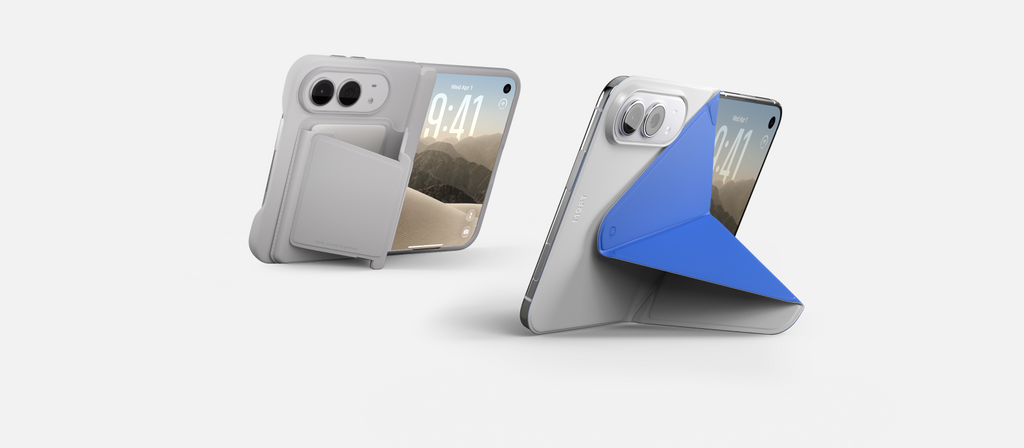
Meet the Trackable Snap-on Phone Stand & Wallet, a slim MagSafe wallet that replaces a separate tracker with Find My support from the start. At just 0.25 inches thick and 2.1 ounces, it barely changes how your iPhone feels in hand, yet it holds your two most-used cards and works with Tap-to-Pay for NFC cards. If it ever goes missing, you can see its location in the Find My app, play a sound to track it down nearby, or get a left-behind alert before you walk away without it.
Unfold it into floating, landscape, or portrait mode for video calls, recipes, or a quick show at lunch. A single wireless charge keeps tracking active for up to six months, and it tops up on the same MagSafe charger you already use for your phone.
2. Trackable Tripod Wallet

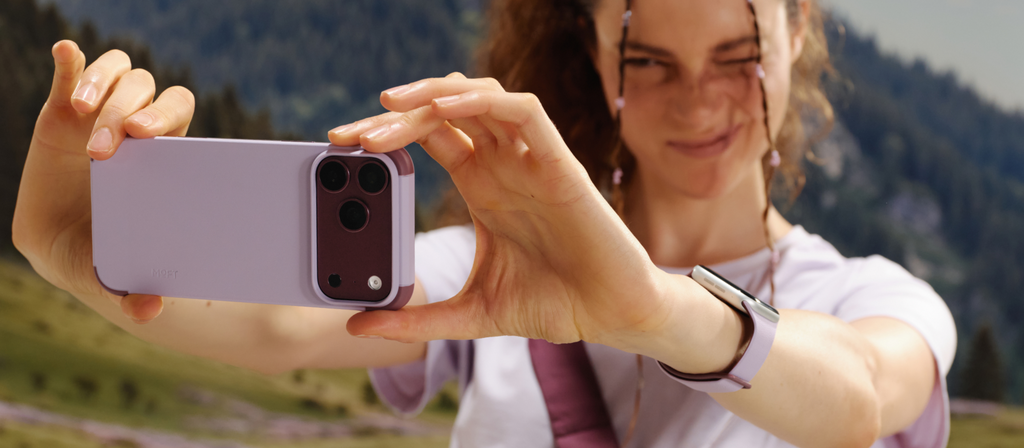
Introducing the Trackable Tripod Wallet, a 4-in-1 accessory that combines a wallet, a stand, a tripod, and built-in Find My tracking. It holds two cards with Tap-to-Pay support and unfolds into Floating, Stand, and Vlogging modes, giving your iPhone a steady base for photos, group shots, and longer video calls. A built-in Bluetooth shutter lets you capture photos and videos from a distance, which is perfect for travel and content creation.
Like any certified Find My accessory, it shows up in the Find My app with location tracking, sound alerts, and left-behind notifications. It snaps onto MagSafe iPhones and comes with a metal ring for non-MagSafe models. At 0.39 inches thick, it stays compact enough for daily carry, and one wireless charge keeps it running for up to six months.
3. Trackable Field Wallet

Discover the Trackable Field Wallet, an envelope-style MagSafe wallet for anyone who carries more than a couple of cards. Its three compartments hold up to eight cards, or four to six cards alongside small items like coins, a SIM card, or a SIM ejector. A pull tab brings your daily cards up in seconds, while a hidden pocket keeps cash and coins tucked away.
Built-in Find My lets you track its location, play a sound, and get left-behind alerts right from the Find My app, with up to six months of standby per wireless charge. Choose the version with a stand for hands-free viewing, or go without for a slimmer 0.5-inch profile. Made with MOVAS™ vegan leather in Misty Cove, Terracotta, Jet Black, or Peony, it fits MagSafe iPhones and includes a metal ring for older models.
Choosing the Right Alternative for the Way You Live

Start with your phone. If everyone in your home uses an iPhone, sticking with Find My gives you the widest coverage and the smoothest experience. Android users should look at trackers built for Google Find Hub, while mixed households benefit from tags that can switch between networks. Then think about what you lose most often, because a tracker built for keys won’t suit a slim wallet, and the reverse is just as true.
Next, consider power and practicality. Rechargeable trackers save you from hunting down coin batteries, while replaceable-battery tags tend to last longer between changes. A loud speaker, a solid range, and some water resistance all make a difference in daily use. Finally, ask yourself whether you really need another gadget, or whether an accessory you already carry, like a MagSafe wallet, could handle tracking for you. Many MagSafe accessories now do far more than one job.
Privacy Features You Shouldn’t Overlook
Item trackers are designed to help you find your own belongings, but responsible brands also build in protection against misuse. Apple and Google have worked together on an industry standard that alerts people when an unknown tracker appears to be traveling with them, and it now works across both iPhone and Android. Any reputable AirTag alternative should support these unwanted tracking alerts, so it’s worth checking before you buy.
Your own data matters too. Networks like Find My encrypt location reports from end to end, meaning neither the people whose phones relay the signal nor the company running the network can see where your tracker is. If you want to learn more about how the two biggest networks compare, make sure to check out this article: Google Find Hub vs Apple Find My | Ultimate Guide.
Wrap Up!
The AirTag helped turn item tracking into an everyday habit, but it’s no longer the only option worth considering. Depending on your phone, your routine, and what you tend to misplace, a tag built for another network, a slim card tracker, or an accessory with tracking built in might suit you far better. The best tracker is simply the one you’ll actually carry every day without thinking about it.
For many iPhone owners, that means rethinking the idea of a separate tracker altogether. When the things you already carry can be found on their own, there’s less to attach, less to remember, and less to lose. Choose the network that fits your phone, match the format to your belongings, and you’ll spend far less time retracing your steps.